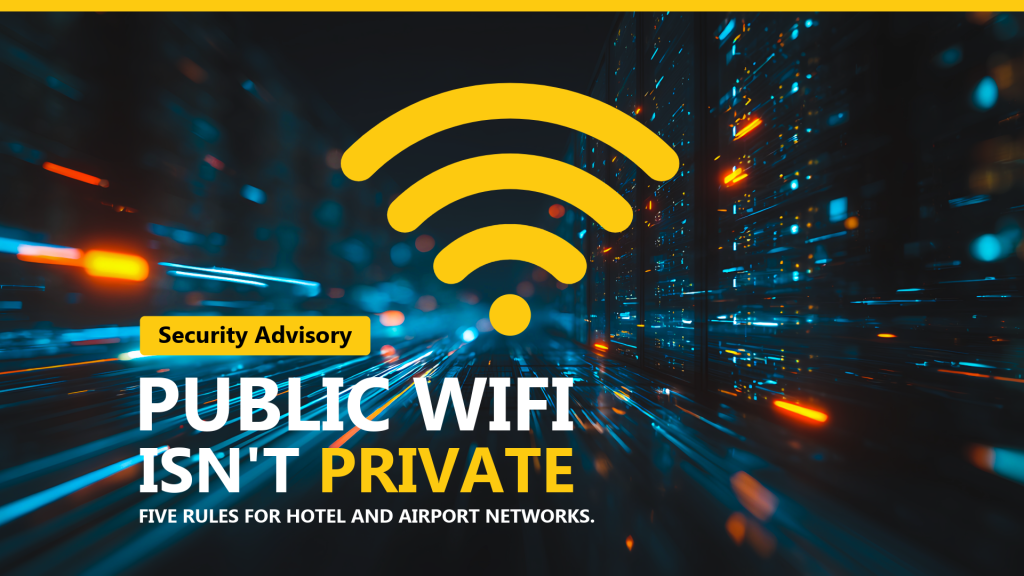
If you or your team travel for work, public Wi-Fi security deserves a few minutes of
your attention. We are seeing a steady rise in attacks that target the networks
business travelers rely on most: hotel lobbies, airport terminals, conference centers,
and the coffee shop down the street from wherever the meeting happens to be.
The good news is that none of this requires you to become a technical expert. A handful
of habits will keep you out of trouble almost every time. Below are the five we give our
own clients across Douglas, Coos, Jackson, Josephine, and Lane counties.
Why this attack works so well
Most people picture a shady network with an obviously fake name. That is not what is
happening. An attacker sets up a network that looks completely ordinary, often copying
the exact name of the hotel or airport network sitting right next to it. Your laptop or
phone connects the way it always does. Nothing looks wrong.
Then, at some point during your session, a login page appears. It might claim your
Microsoft 365 session expired, or that your bank needs you to verify something. The page
is a careful copy. The logo is right, the layout is right, the spelling is right. You
type your password, and it goes straight to the attacker instead of to Microsoft.
That is the whole trick. The network name looks right. The login screen looks right.
There is no virus to detect and no attachment to scan, which is exactly why this one
slips past people who are otherwise pretty careful.
Five rules for untrusted networks
-
1
Skip work and banking logins on public Wi-Fi.
Reading the news or checking a flight status is low risk. Signing into your email,
your accounting system, or your bank is not. If it can wait for a trusted
connection, let it wait.
-
2
Use your phone's hotspot instead.
Tethering your laptop to your own cellular data is far safer than sharing a network
with every other person in the building. On most modern plans this costs you nothing
extra, and it removes the entire problem rather than working around it.
-
3
Check the web address before you type a password.
Read it slowly, left to right, and pay attention to the part just before the first
slash. If a login page appears when you did not click anything, or the address looks
even slightly off, stop and close the tab.
-
4
Deny any sign-in prompt you didn't start.
If an approval request lands on your phone and you were not in the middle of logging
in, that means someone else has your password and is trying to get past your second
factor. Tap Deny, then let us know so we can reset the credentials.
-
5
When in doubt, don't log in.
This is the rule that covers everything the first four missed. A delayed login costs
you a few minutes. A compromised account costs considerably more. Stop and call us
first.
What to do if you think it already happened
Speed matters far more than certainty here. If you typed a password on a page that
turned out to be fake, or you approved a login request you did not start, contact us
right away so we can secure the account. Do not spend twenty minutes trying to work out
whether it was real.
There is no penalty for reporting.
We would rather look into ten false alarms than miss the one that mattered. Fast
reporting is what turns a small mistake into a non-event instead of a bad week. Nobody
gets in trouble for raising a hand.
A note for Southwest Oregon business owners
Small and mid-sized organizations sometimes assume they are too small to be worth an
attacker's time. In practice the opposite is true. Attacks like this one are automated
and untargeted. Whoever set up the network in the airport terminal does not know or care
who you are, and a stolen set of Microsoft 365 credentials has resale value no matter
whose name is on the account.
The upside is that the defenses are just as general as the attacks. Good habits,
properly configured multi-factor authentication, and a team that knows to report
something odd will stop the overwhelming majority of this. That is not a big
investment. It is mostly a matter of deciding to do it.
Spot Something Off?
Submit a ticket and our team will help you secure the account right away.
Submit a Ticket
Time-sensitive? Call the helpdesk:
541.696.5555 · Option 1